1 focused minute = 1 mile
Every focused minute is a mile.
FocusMiles is a cozy pomodoro timer in a living 3D town. Sit as a little critter at a desk beside real people, and let each session fly you to one of 11 real cities.
- Free forever
- No account
- Works in your browser
First, pick who you are.
22 critters, from a frog to an axolotl. Hoodies, hats, headphones, and a cat that naps on your desk.

Every session can be a flight.
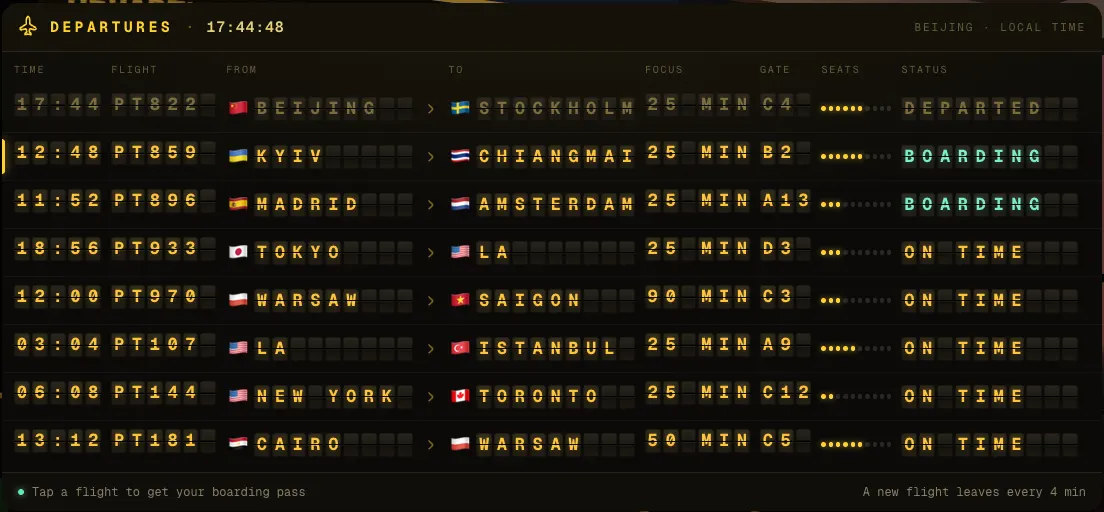
Pick a city on the departures board, board, and focus until you land. 25 minutes, 55, or about two hours, gate to gate, a mile for every focused minute.
-
0:00
Check in
Choose a flight on the departures board. Your boarding pass says where you are going and how long you will focus.
-
0:01
Take off
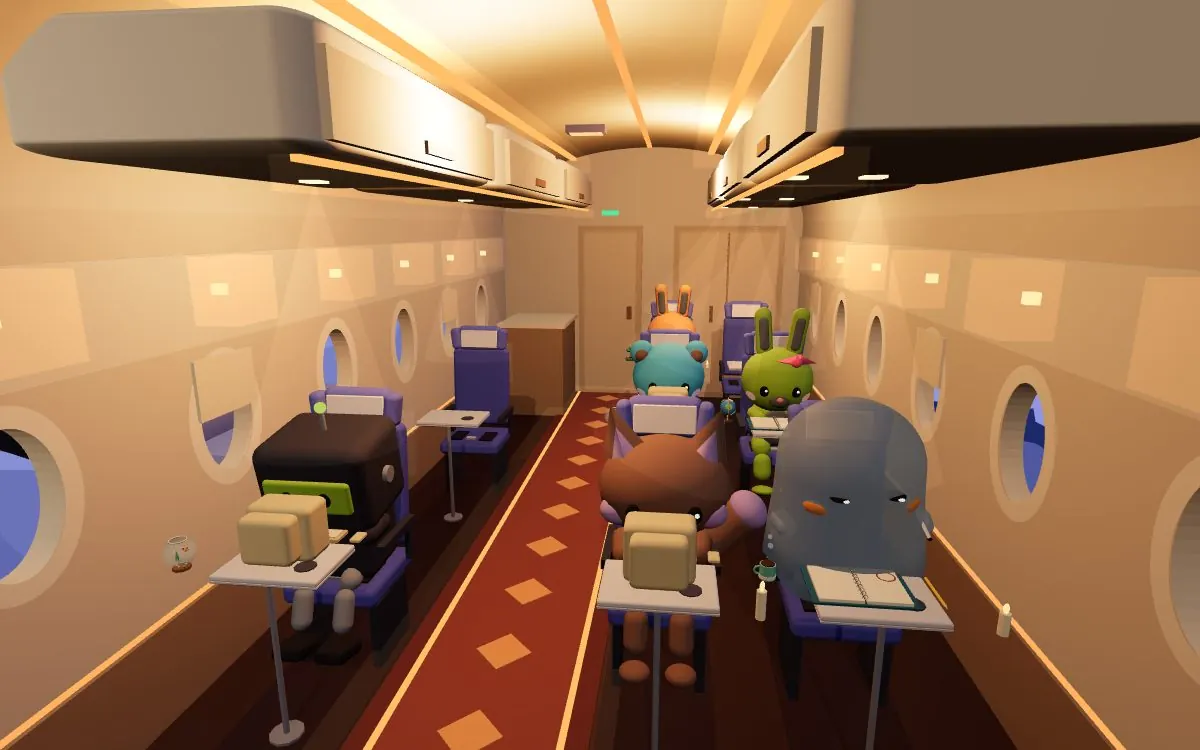
Take your seat in a cabin full of passengers working quietly at their tray tables. The timer starts with the engines.
-
0:12
Stay in your seat
Leave mid-flight and the plane turns back. Nobody checks on you; the rule just makes it easier to keep going.
-
0:25
Land somewhere new
Get a passport stamp and 25 miles, then step out and explore the city: its café, library, rooftop and landmark.
A flight is a pomodoro.
Every flight lasts exactly as many focus blocks as it needs, so you land when the timer says. Breaks are the cabin crew’s turn: a tray with a meal lands on your table.
- 25minutes: one pomodoro, a short hop
- 55minutes: two blocks and a break with a meal
- ~2 ha long haul: several blocks, a long break, dinner service
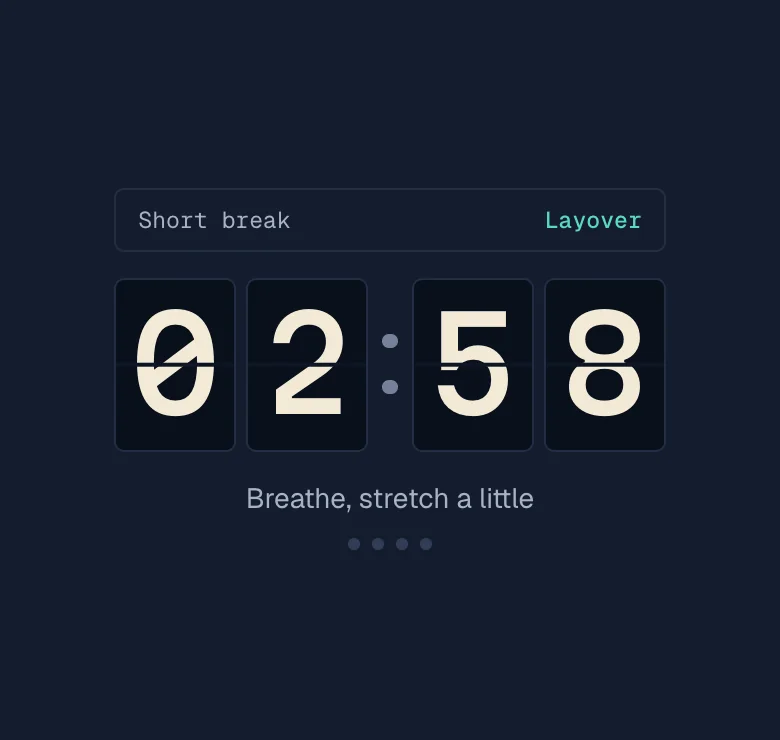
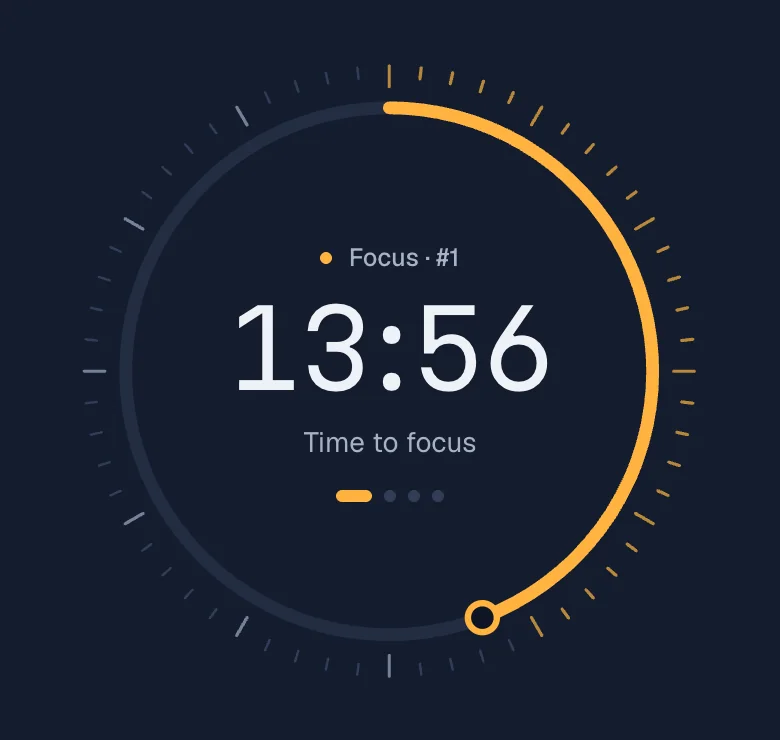
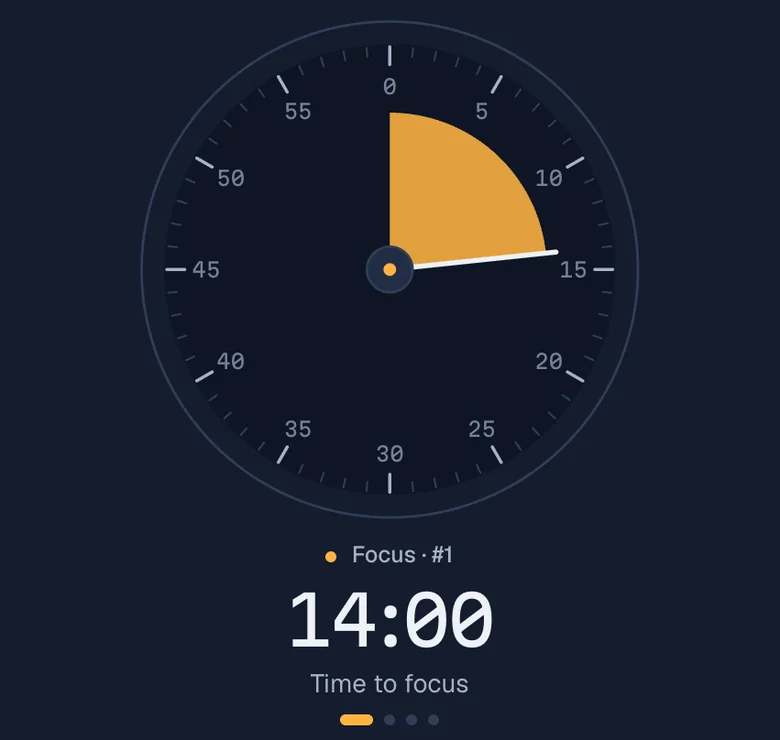
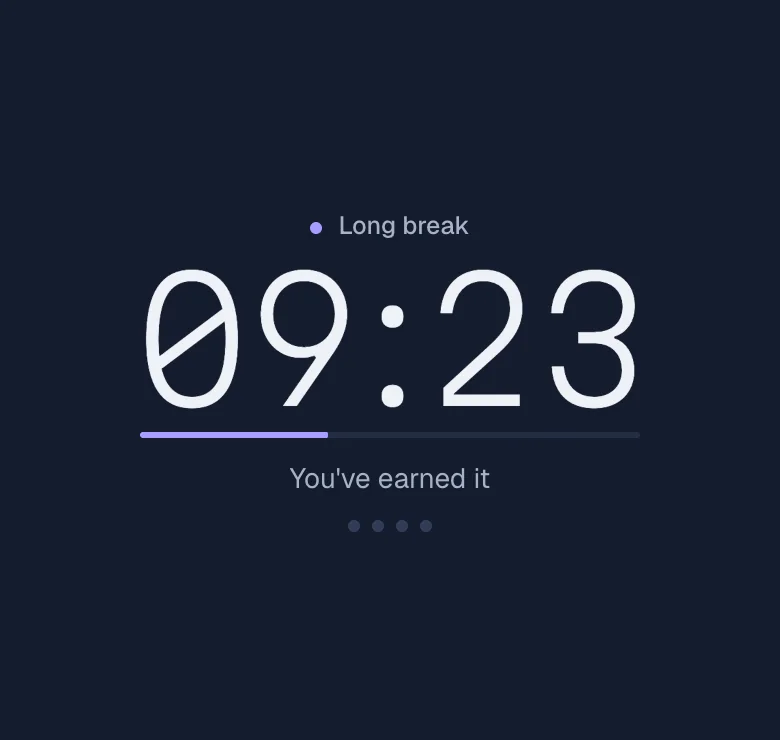
Five ways to watch the time.
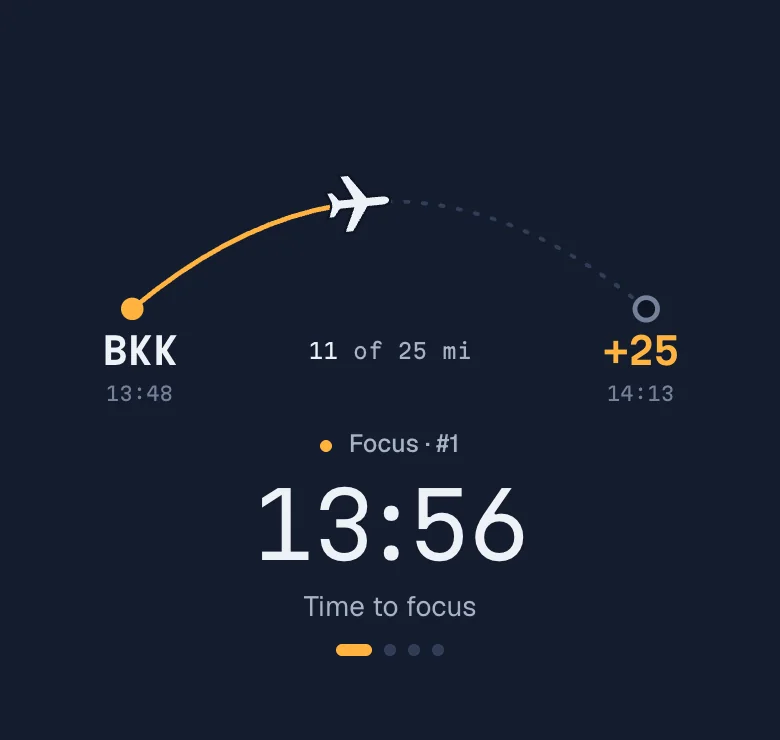
Pick a clock face in Settings, or press D to flip through them. Each mode has its own colour: runway amber for focus, sea teal for a short break, aurora lilac for a long one.
Eleven real cities. Their real streets.
Each city is a tiny island with a café, a library, a rooftop and a landmark to study in, under the weather it really has today. Press the speaker to hear its street.
- CDG Paris Eiffel Tower
- HND Tokyo Tokyo Tower
- BKK Bangkok Wat Arun
- JFK New York Statue of Liberty
- LHR London Big Ben
- AMS Amsterdam De Molen
- UKY Kyoto Yasaka Pagoda
- LED St Petersburg St Isaac’s
- SVO Moscow Metro Hall
- BOS Boston State House
- CNX Chiang Mai Wat Chedi Luang
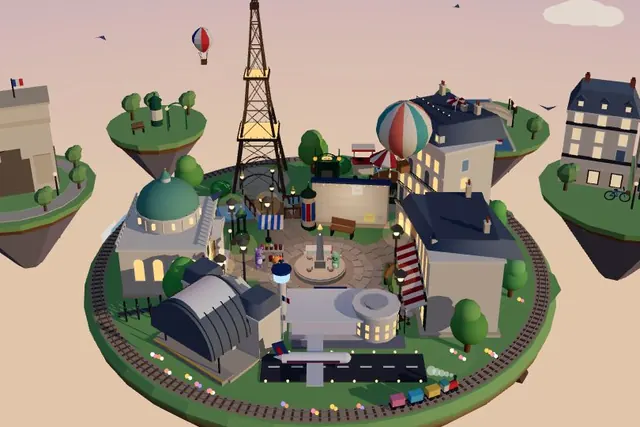
Real places, in miniature.
Six of the rooms are modelled on real libraries and cafés. Pick one and take a desk by the window.
-
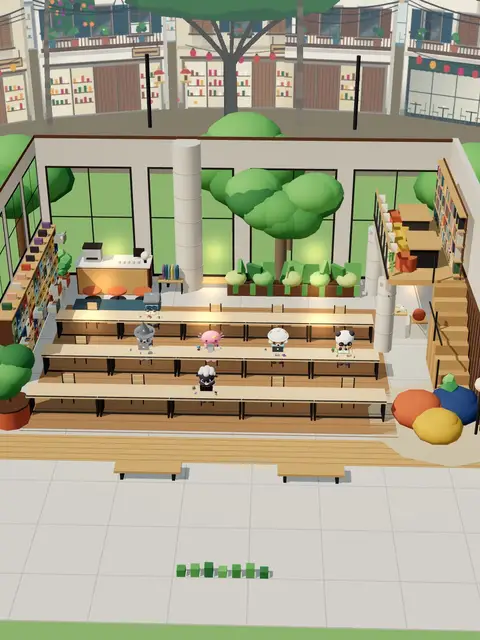
Chiang Mai: a design library, the best desk is by the window
-

Tokyo: a book lounge at night, rain on the glass
-
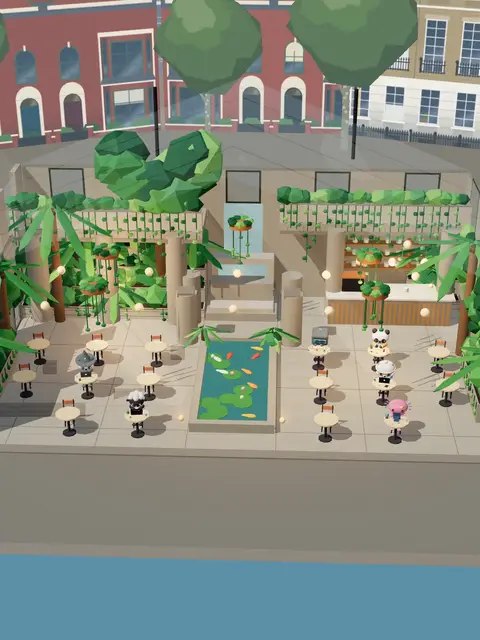
London: a café under a conservatory roof
-

Kyoto: a machiya café, a quiet morning
-
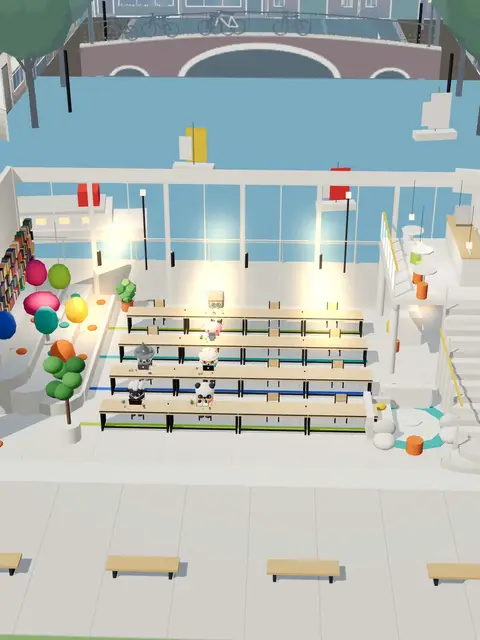
Amsterdam: a library on the harbour
-
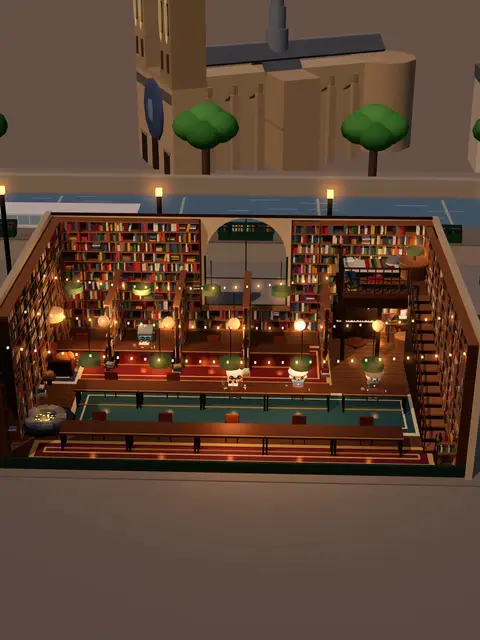
Paris: a left-bank bookshop in the evening
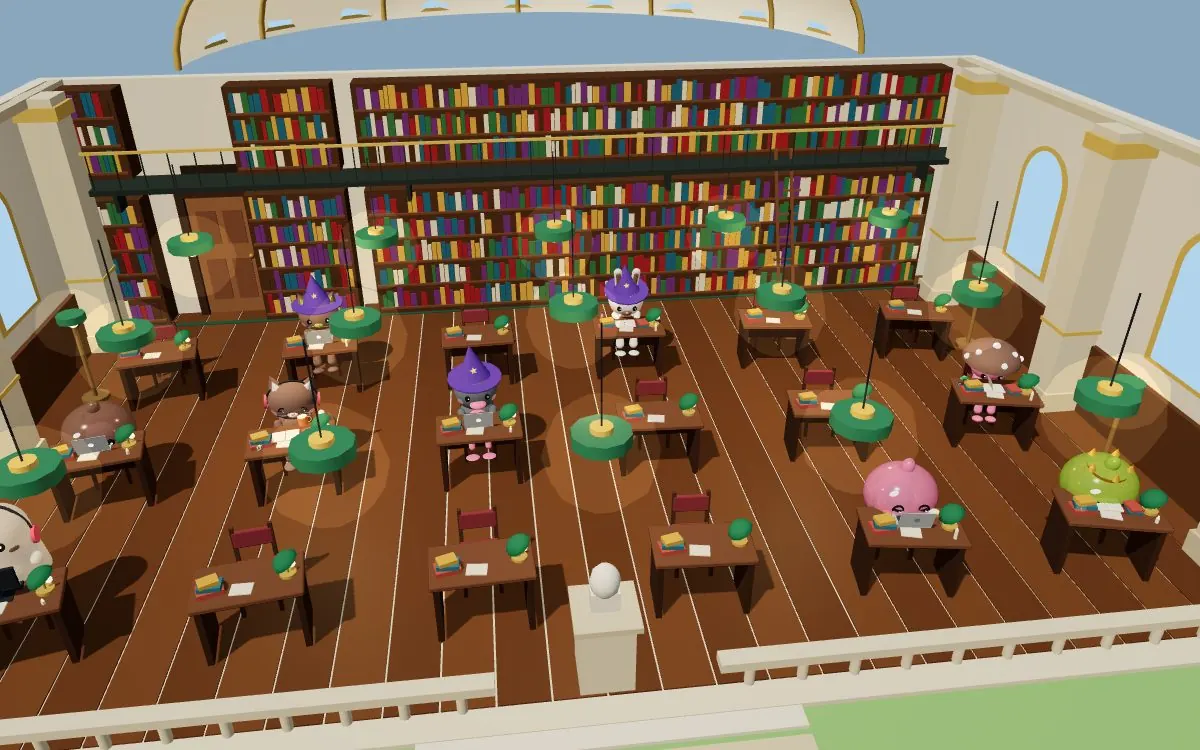
You are never alone in the room.
Rooms mix people focusing right now with a few friendly bots, so the desk next to yours is rarely empty.
- Group sessions
- Start a shared countdown. When it ends, the whole room claps and the confetti flies.
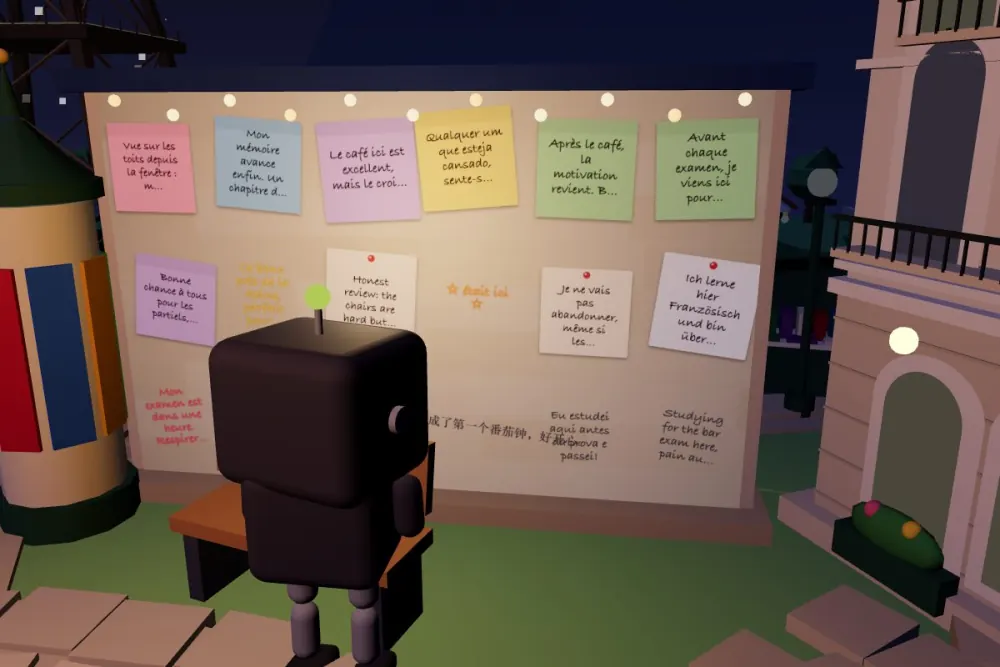
- A message wall in every city
- Leave a note or a doodle for whoever lands next.
- Sit next to a friend
- Send a link and your friend lands in the seat beside yours.
- Your task stays yours
- Others see your critter typing, sipping or on a break. What you are working on stays private.
Focus with friends.
- Send an invite link
- One tap makes a link. Your friend opens it and lands in the seat next to yours, in the same room.
- Quick phrases, no chat
- Say “Hi!”, “Break?” or “Good luck with the focus!” in one tap. No typing, no distractions.
Your desk, as a ten-second film.
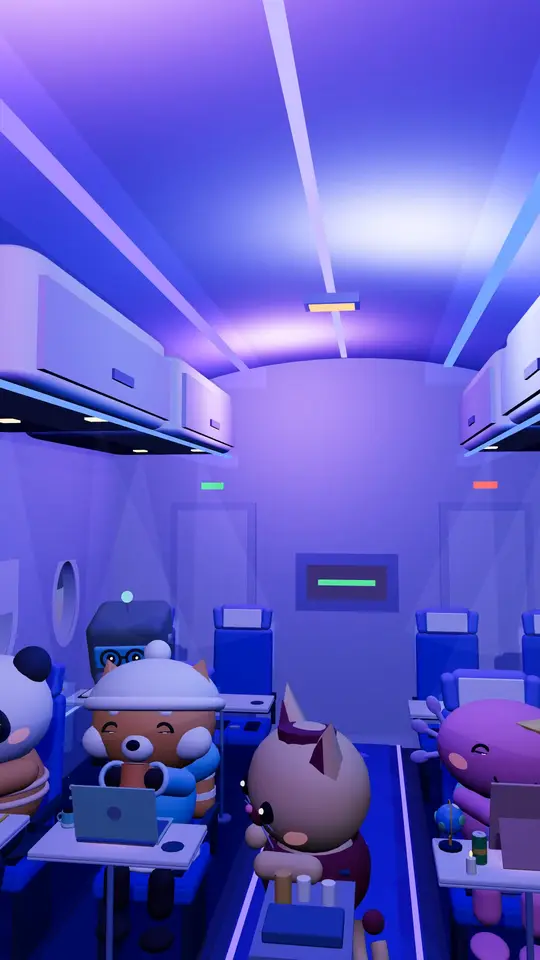
Clip mode records a vertical video of your room with cinematic camera moves, ready for TikTok, Reels and Shorts in one tap. These three were recorded in the app.
-
Library, Tokyo
-
Paris at night
-
Café, Paris
- Photo mode
- Frame your critter with a film look and make a story card with today’s focus time.
- End credits of your day
- When you are done, the town rolls movie credits: your sessions, rooms and miles.
- A camera that directs itself
- Entrance shots, a drone pass when you land in a city, and a film mode for long sessions.
And a lot of small things.
-
Real weather and seasons
If it rains in Paris, it rains on your café in Paris. Snow and holiday lights follow the calendar.
-
Lo-fi radio and real sound
Recorded rain, typing at the next desk, and a radio that suits the room.
-
Night trains
Ride to a neighbouring city in a lounge car while you work.
-
Leaving pauses the timer
Walk out of the room and your session waits. Your seat is kept for five minutes.
-
Screen stays on
While the timer runs, your phone or laptop does not fall asleep.
-
A town that grows
Everyone’s focused minutes add lanterns, a fountain, a balloon and fireworks.
-
A passport and postcards
Every landing is stamped. Collect all eleven cities.
-
A plain timer when you want it
Hide the town and keep tasks, stats and the Space key to start.
Everything that helps you focus is free. For good.
- The timer, tasks and stats
- Every room in every city, and every flight
- People, group sessions and the message wall
- Radio, street sounds, Clip and Photo mode
Miles come only from focusing and cannot be bought; spend them on hats and colours if you like. Later there may be extra cosmetics for people who want to support the town. No ads while you work.
You are early.
FocusMiles has just opened to its first testers. Use it for a few days, then tell us what felt good and what got in the way. Every message is read.
Questions
Is it really free?
Yes. The timer, tasks, stats, every room and city, flights, people, radio and street sounds are free and will stay free. Optional cosmetics may come later.
Do I need an account?
No. Pick a critter and a name and you are in. Add an email later if you want to keep your miles and stamps on every device.
What are miles?
One focused minute is one mile. Miles show how far you have come and buy hats and colours in the shop. They come only from focusing; you cannot buy them.
Are the other people real?
Rooms mix real people who are focusing right now with friendly bots, so a room is never empty. Others see your name, critter and what you are doing. Your task stays private.
What is a flight?
A focus session of 25 minutes, 55 minutes or about two hours in an airplane cabin with other passengers. You land in another city with a passport stamp and the miles you flew. Leave your seat mid-flight and the plane turns back.
Does it work on my phone?
Yes, in any modern mobile browser. Add it to your home screen and it opens like an app. The screen stays on while the timer runs.
Can I use it as a plain pomodoro timer?
Yes. Hide the town and you get a timer with tasks, a report and keyboard shortcuts. Press Space to start and pause, D to change the clock face.
Your desk is waiting.
It takes about ten seconds to sit down. The first mile is a minute away.
Start focusing